Program · Real estate
AI Training for Real Estate
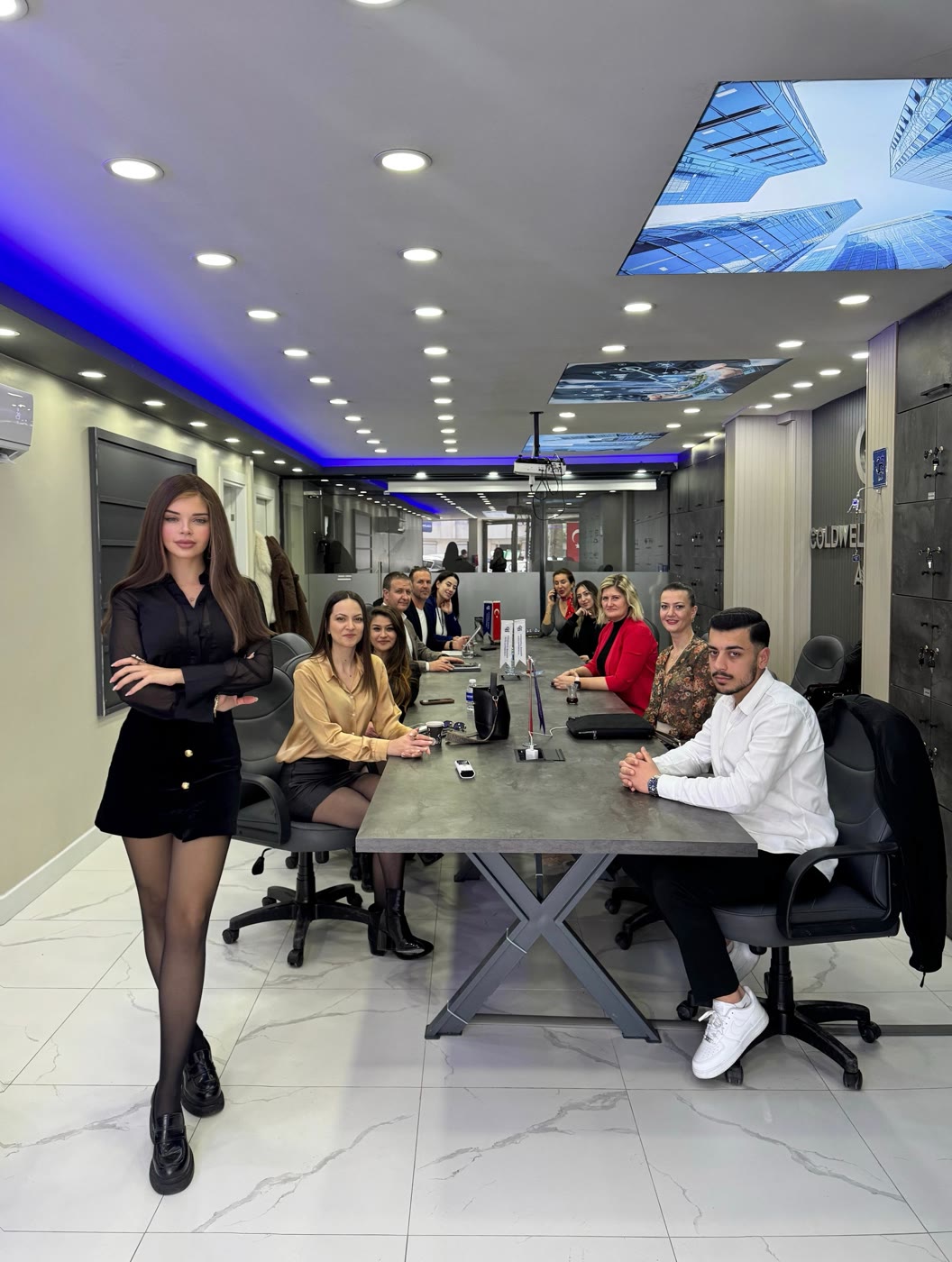
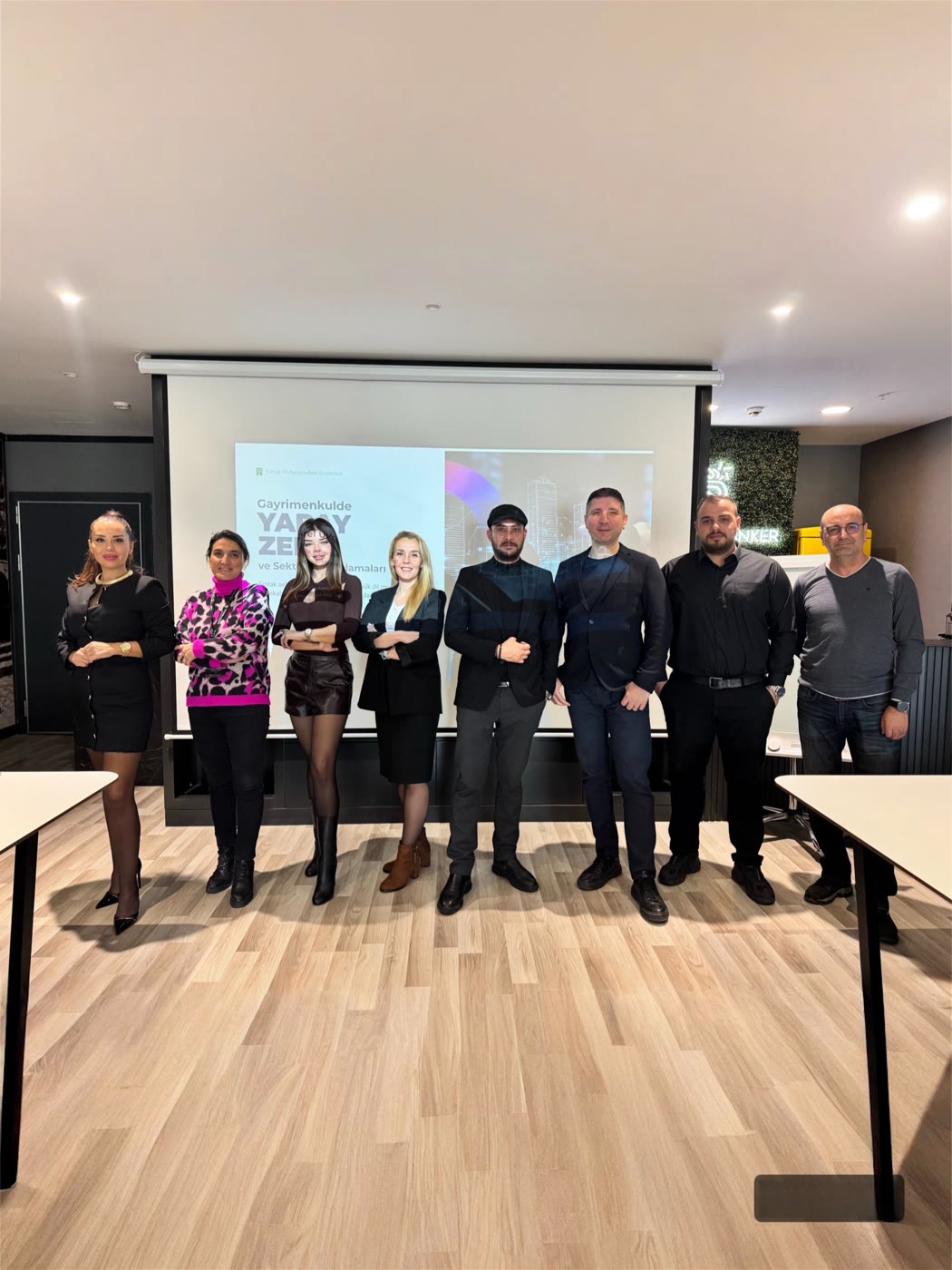
I teach real-estate agents and office teams to use AI in three tasks they repeat every day: listing copy, portfolio promotion and client follow-up. I've run trainings and seminars at Coldwell Banker 360, RE/MAX Best, Spica Real Estate and the Real Estate Professionals Academy; the moments below come from some of them.
- Listing copy
- Portfolio promotion
- Client follow-up
- Office teams
- In-person training
Teams I've trained and spoken to
- Coldwell Banker 360
- RE/MAX Best
- Spica Real Estate
- Real Estate Professionals Academy
From the field
In the field with real-estate teams
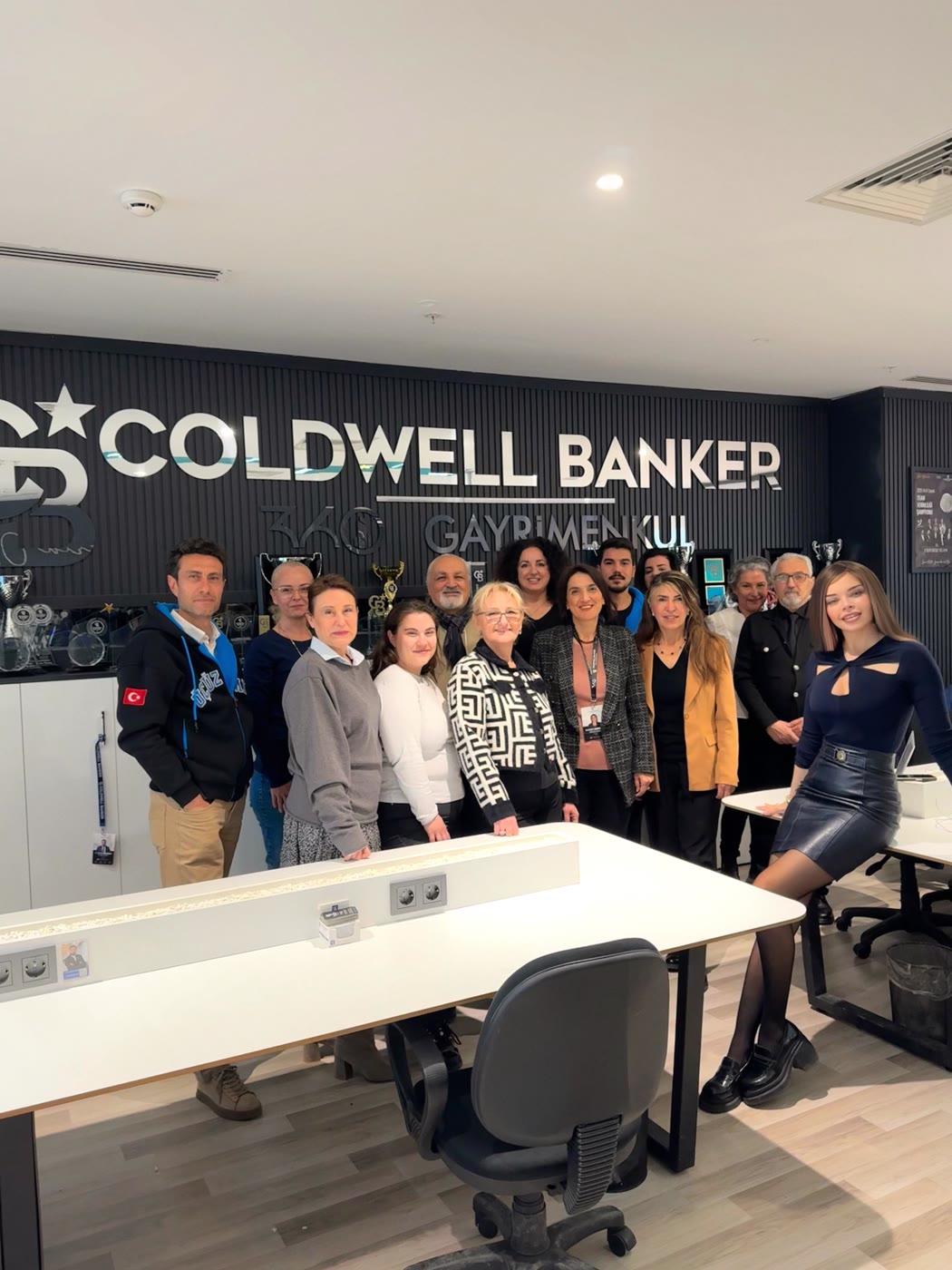
These frames come from trainings I've run in real-estate offices and at the real-estate seminar. The video is from the corporate training day at Coldwell Banker 360.
Coldwell Banker 360
From a corporate training day: the real-estate team applying AI to their own portfolio workflows.
Corporate Training 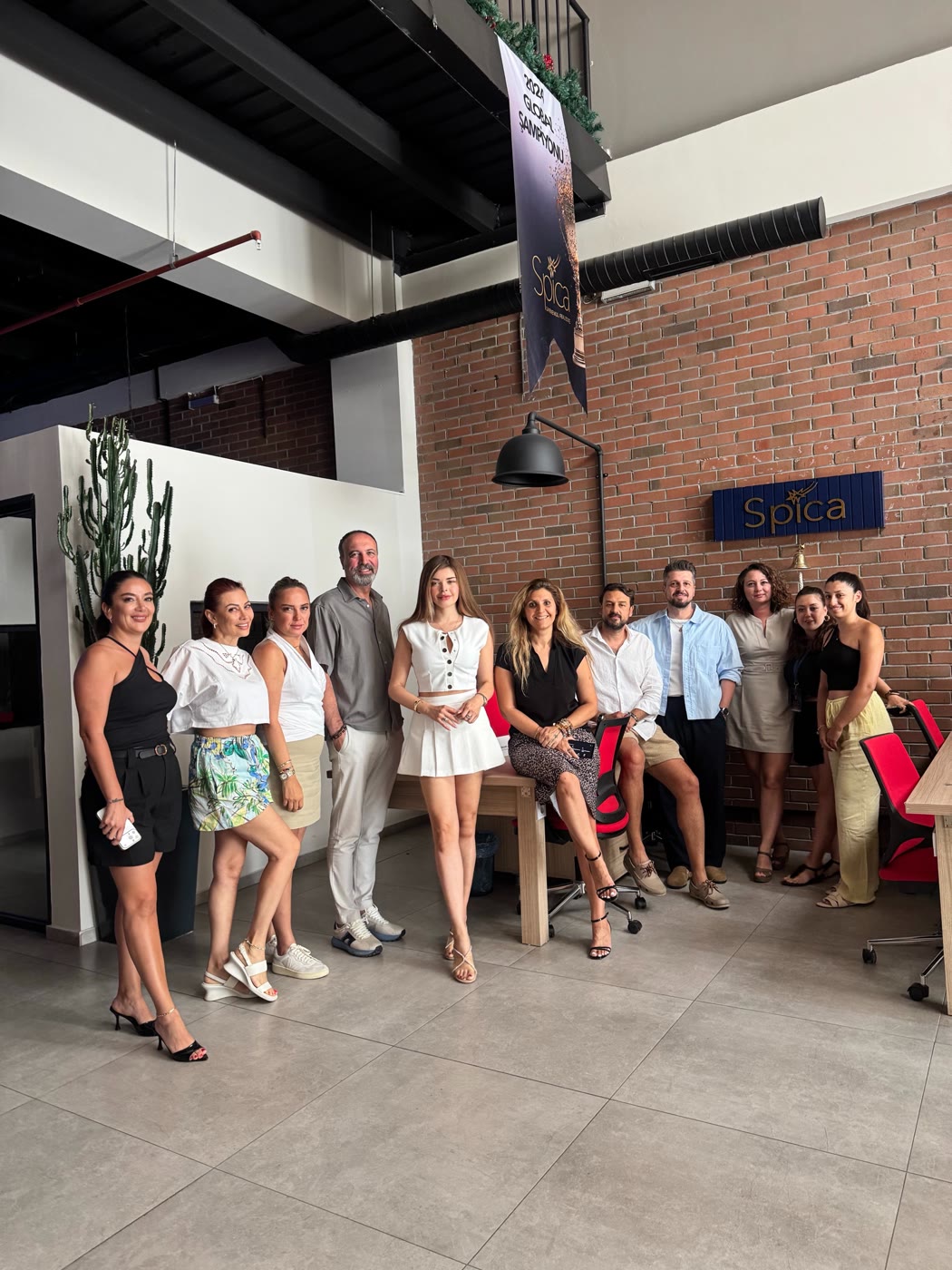
Spica Real Estate 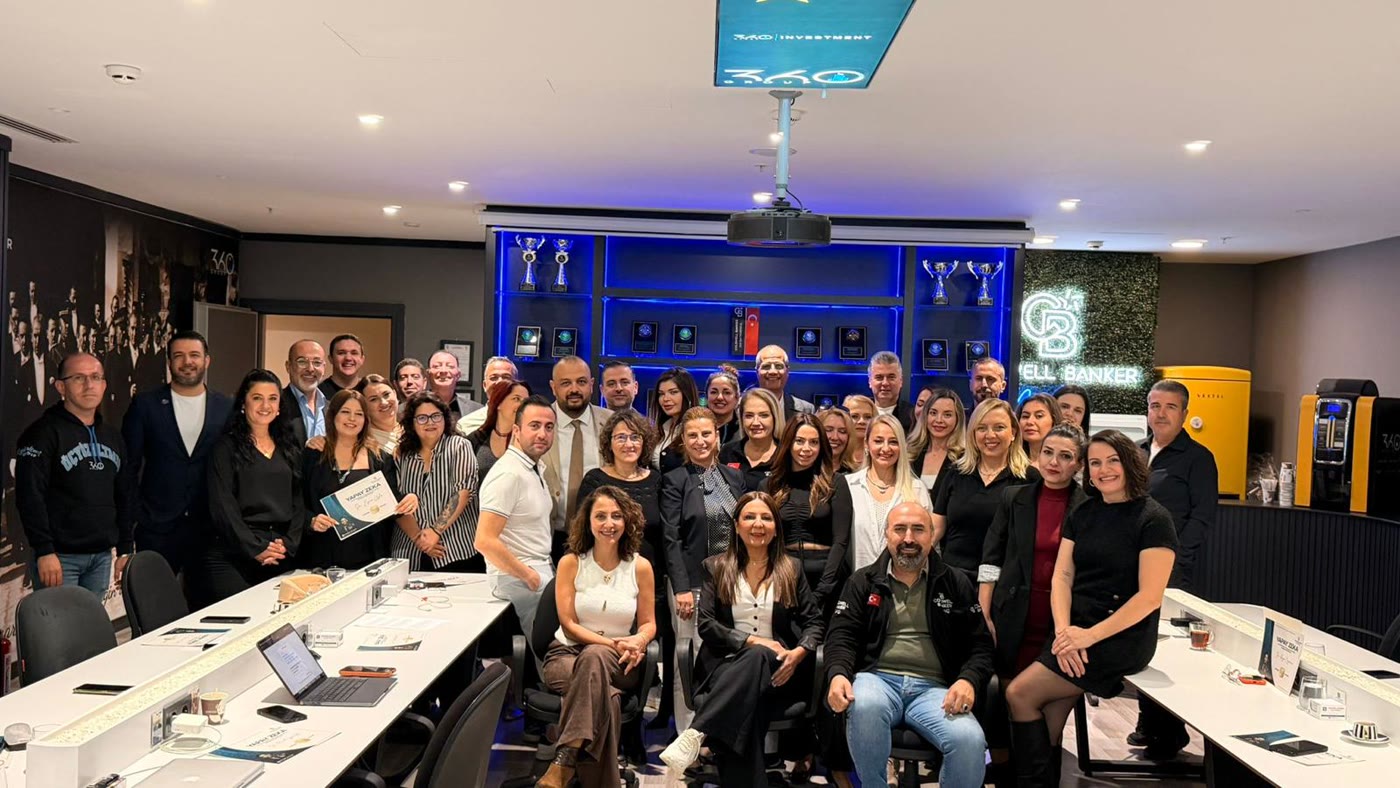
Handing Out Certificates
Program
Three tasks, your own portfolio
I don't teach AI in general here; we hand three tasks you do every day over to AI, using examples from your own portfolio.
Listing copy
A clear, accurate listing from your property details and the notes you took on site.
- A portal listing, a social post and a short video script from the same details
- A different tone for buyers and tenants
- A checklist so AI never adds a feature the property doesn't have
Portfolio visuals
Promotional visuals that make your portfolio stand out on social media and in presentations.
- Promotion templates that match your office's identity
- New listing, price update and “sold” announcements
- Visuals that never show a property as something it isn't
Client follow-up
Post-viewing messages, appointment reminders and a friendly check-in with a buyer you haven't heard from in a while.
- Summarising viewing notes and pulling out the next step
- Ready reply drafts for buyer and tenant questions
- A first step towards handing follow-ups to a WhatsApp assistant
Realtiq
A usage example in training: Realtiq
Realtiq is a platform offering AI-powered tools for real-estate professionals, speeding up everything from portfolio management to listing promotion. It's the platform I trust and recommend on the real-estate side. In the training, I show how it's used as an example of how a ready-made platform fits into everyday work.
Realtiq is a separate service, not part of the training. We do the program's work with general AI tools, and together we separate the tasks you can do yourself with them from those where a ready-made platform could save you time. If you'd like to use Realtiq, that's a choice independent of the training.
Example
From notes to listing
One rule I keep coming back to in training: give AI only verified information and don't let it make up what it doesn't know. The prompt below does exactly that.
Notes from the viewing
- 3 bed + living, 125 m² gross, 4th floor, lift
- South-facing, balcony
- Gas combi boiler, building is 12 years old
- Walking distance to a primary school
- Gated complex, parking
Prompt
Write a portal listing from the notes below. Use only the information in the notes; don't add any feature that isn't there. Start with a one-line headline, then two short paragraphs, then a bulleted feature list. No exaggerated adjectives. Don't put missing information in the listing — ask me about it at the end instead.
Output
South-facing 3-bed in a gated complex
A 125 m² gross, south-facing flat with a balcony on the 4th floor of a building with a lift. Heating by gas combi boiler; the building is 12 years old. In a gated complex with parking, within walking distance of a primary school. • 3 bed + living · 125 m² gross · 4th floor • Lift · parking · gated complex • South-facing · balcony • Gas combi boiler Question: Shall we add the net floor area and the service charge?
Look at the last line: instead of making up the missing details, the model asks. It's the listing version of the “Stop AI from making things up” pattern in the Practical Prompts section.
Illustrative example — not a real client listing.
Who it's for
From solo agents to office teams
Office teams
As at Coldwell Banker 360, RE/MAX Best and Spica Real Estate, corporate team training built for your office, using your team's own portfolio examples.
Solo agents
Hands-on workshops for agents who handle their own listings and client follow-up.
Academies and professional bodies
Seminars for larger groups, like the “AI in Real Estate” seminar at the Real Estate Professionals Academy.
Frequently asked questions
Do I have to use Realtiq?
No. Realtiq isn't part of the training; it's a separate platform, and I only show it as a usage example. We do the program's work with general AI tools.
Can I trust a listing written with AI?
Yes, as long as you check it. I put real emphasis on this in training: give AI only verified information, never let it add a feature that isn't in your notes, and always do the final read yourself.
Can you run a training just for our office?
Yes. As with the Coldwell Banker 360, RE/MAX Best and Spica Real Estate teams, I run the training at your office, in person, built around your own portfolio examples.
Do you issue certificates?
I've handed certificates to participants at corporate team trainings; the “Handing Out Certificates” photo above is one of them. Whether a certificate is included depends on the format, and I state it clearly in the proposal.
How are duration and fees decided?
Because I build every training around your office, I don't publish durations or fees on the site. I set the duration, number of sessions, group size and fee according to your team and the format, and state them clearly in my written proposal. Once I have your enquiry, I reply by email within 24 hours.
Is there a program for beauty professionals too?
Yes. I describe the program for beauty professionals on the AI training page.
Keep exploring
Let's discuss training for your office
Tell me about your office, the size of your team and the first task you want to use AI for; I reply by email within 24 hours.